
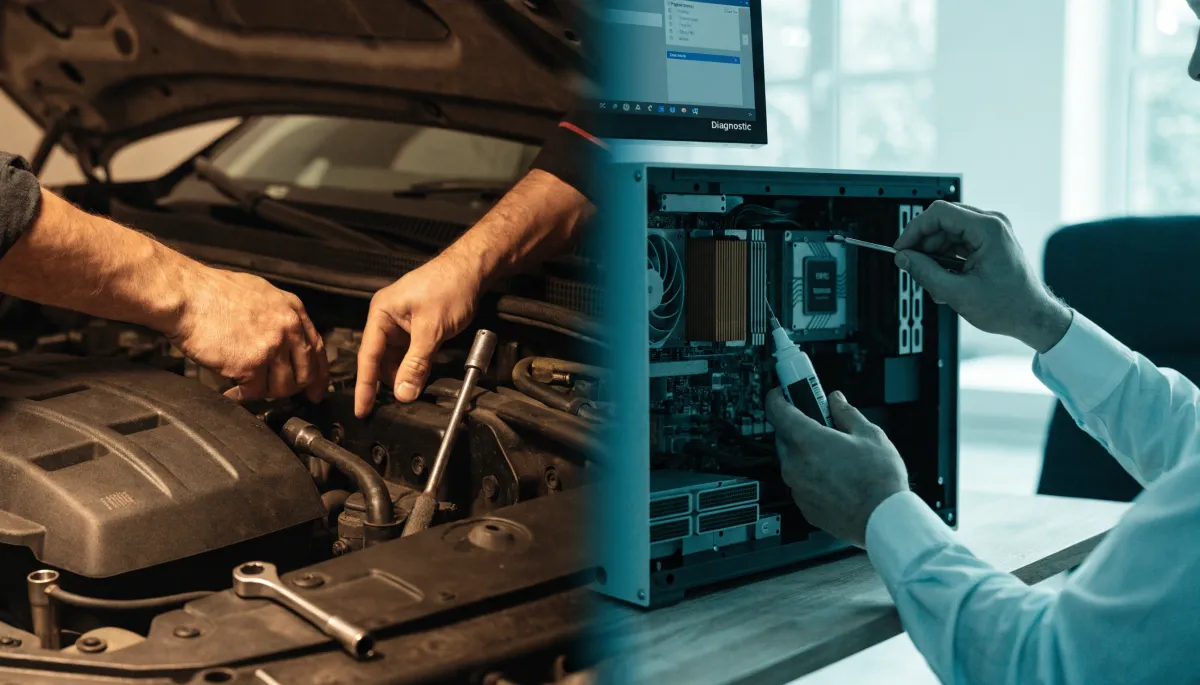
8 Reasons Why Maintaining Your Computer Is a Lot Like Maintaining a Vehicle
I drive an older truck, and a few years back I skipped one too many oil changes. The engine didn't die overnight. It got a little louder, a little slower, a little less reliable, until one morning it just wouldn't turn over in the office parking lot. The repair cost more than two years of oil changes would have. Your computers and your network work exactly the same way.
Most South Florida business owners treat IT like a car they never service: drive it until it breaks, then panic. The problem is that the breakdown always seems to happen on the worst possible day, in the middle of payroll, the morning of a big client deadline, the afternoon before a long weekend. The good news is that the maintenance habits that keep a vehicle on the road map almost perfectly onto the habits that keep a business running.
Here are eight ways maintaining your computer is a lot like maintaining your vehicle, and what each one means for keeping your business out of the repair shop.
Key Takeaways
- IT, like a vehicle, runs best on regular maintenance, not crisis repairs.
- Updates, tune-ups, and monitoring catch small problems before they become expensive ones.
- Security measures protect the asset the same way a car alarm protects your truck.
- The cost of neglect is almost always higher than the cost of upkeep.
- A good IT partner, like a good mechanic, saves you money by preventing the breakdown.
Routine Care Keeps You On the Road
1. Oil changes and software updates
You change your oil so the engine doesn't grind itself down. You install software and security updates for the same reason: they patch the small wear points attackers and bugs love to exploit. Skip them and the system keeps running for a while, right up until it doesn't. Most of the breaches we clean up trace back to an update that sat ignored for months.
2. Engine tune-ups and system optimization
A tune-up restores the performance you've slowly lost without noticing. The same is true for a computer clogged with junk files, too many startup programs, and a hard drive that's nearly full. Regular optimization keeps machines fast, which keeps your team productive instead of staring at a spinning wheel. Our managed IT work bakes this in so it happens on a schedule, not when someone finally complains.
Actionable tip: Set updates to install automatically outside business hours. You get the protection without the "remind me tomorrow" loop that leaves machines exposed for weeks.
Protection and Visibility
3. Car alarms and cybersecurity measures
You lock your truck and set the alarm because the cost of theft is high and the cost of prevention is low. Cybersecurity is the same trade. Firewalls, endpoint protection, and multi-factor logins are the locks and alarms of your business, and they pay for themselves the first time they stop something. Strong cybersecurity isn't about paranoia, it's about not leaving the keys in the ignition.
4. OBD readers and IT monitoring software
When your check-engine light comes on, a mechanic plugs in a reader and sees the problem before it strands you. IT monitoring does the same thing for your network: it watches for failing drives, unusual logins, and backups that didn't complete, and it flags them while they're still cheap to fix. The difference between a managed network and an unmanaged one is whether anyone's reading the dashboard.
Actionable tip: Ask whoever handles your IT to show you the last monitoring alert they caught and resolved. If they can't, nobody's watching the check-engine light.
Prevention Beats Repair
5. Preventive maintenance on and off the road
Smart drivers replace the worn belt before it snaps on the highway. Smart businesses replace the aging server and the failing drive before they take down a Monday morning. Preventive maintenance isn't glamorous, but it's the single biggest reason some businesses never seem to have IT emergencies while others lurch from crisis to crisis.
6. Mechanics and IT professionals
You could change your own brakes by watching a video, but most owners hire a mechanic because the stakes are high and the expertise matters. IT is the same. A good partner has seen your problem a hundred times and fixes it in an hour instead of a lost afternoon. If you have some in-house help but need backup and oversight, co-managed IT gives you the expert in the bay without replacing your team.
Actionable tip: Write down what one full day of downtime costs your business in lost work and idle payroll. That number is your budget for prevention, and it's almost always bigger than owners expect.
The Real Cost, and Tailoring the Fix
7. The cost of neglect
A skipped oil change is cheap. A seized engine is not. Ignored updates and worn-out hardware follow the same curve: small savings now, big bills later, usually with downtime attached. When you add up emergency repair, lost productivity, and the client trust that takes a hit when systems go dark, neglect is the most expensive choice on the menu.
8. Customization and tailored IT solutions
Nobody outfits a work truck the same way they'd set up a weekend cruiser. Your IT should be built for how your business really runs, not a generic package. The right setup fits your tools, your team size, and your compliance needs, whether that's compliance management for a regulated industry or cloud solutions that let your people work from anywhere.
If your technology has been running on "drive it till it breaks," the smartest first move is a checkup. A free workflow and security assessment shows you which parts are worn, which are fine, and what to service first.
Frequently Asked Questions
How often does business IT really need maintenance?
Updates and monitoring should run continuously in the background. Hands-on reviews of performance, backups, and hardware health are healthy monthly, with a deeper check once or twice a year.
My computers seem fine. Why pay for maintenance?
So does a car the day before the timing belt goes. "Seems fine" is exactly the window where cheap prevention beats expensive repair. Maintenance is what keeps "seems fine" true.
Can't my team just handle updates themselves?
They can handle some of it, and many do. The gap is consistency and visibility: knowing every machine is patched, every backup completed, and someone is watching for trouble. That's where IT support earns its keep.
What's the most neglected item on this list?
Monitoring. Plenty of businesses have tools installed but nobody reading the alerts, which is like having a check-engine light taped over. The fix is making sure someone owns the dashboard.
How do I know what my business specifically needs?
Start with an assessment. Every business has a different mix of tools, team size, and risk, so the right plan is the one built around how you really operate.
Ready to stop driving your IT until it breaks?
A little regular care keeps your technology fast, secure, and out of the emergency shop, the same way it keeps your truck on the road. Book a free assessment and we'll tell you exactly where your systems stand and what to service first.